Why Component Libraries Matter More Than Ever in the Age of AI

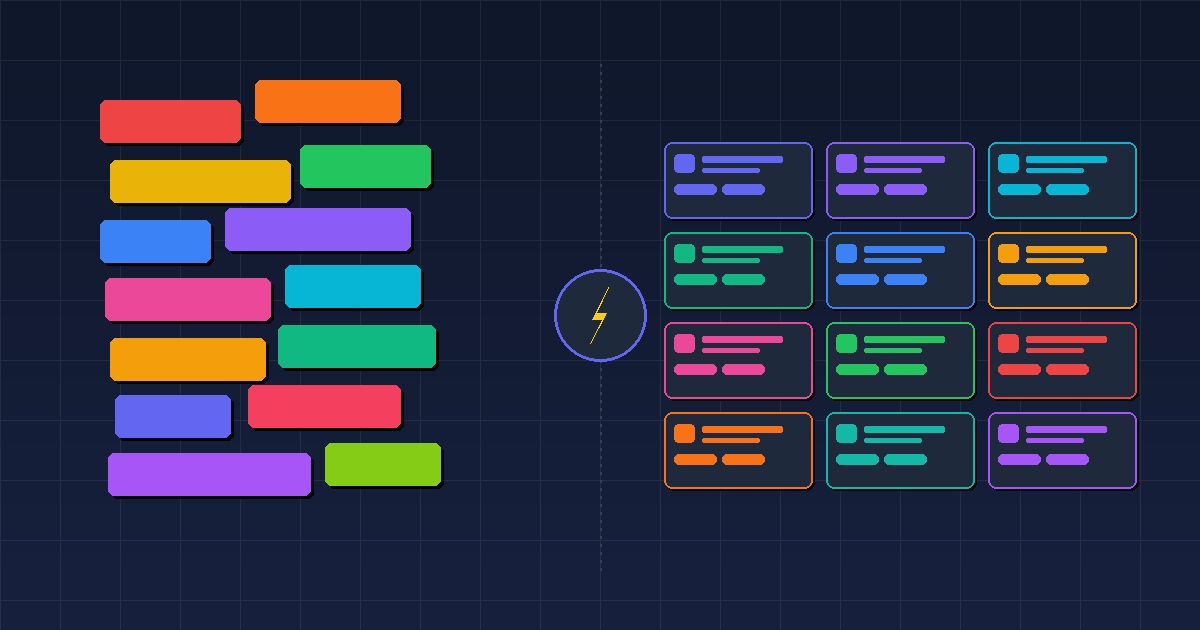
AI coding assistants have fundamentally changed how we build software. You can describe a button, a data table, or an entire form in plain language and get working code back in seconds. It's genuinely impressive — and it's creating a quiet mess inside many codebases.
AI tools generate UI components fast — but without a shared library, you end up with invisible duplication, inconsistent visuals, untested edge cases, and maintenance fragmentation. The fix isn't to stop using AI; it's to give it a solid component library to work with. AI shines as a force multiplier on top of a good foundation, not as a replacement for one.
The Double-Edged Sword of AI-Generated UI
There's no denying the productivity gains. Copilot, Cursor, Claude, and similar tools let developers scaffold screens and interactions faster than ever. But the way AI generates UI code introduces a specific kind of friction that compounds over time.
The core issue isn't quality. Modern AI models write syntactically correct, often quite clean React components. The issue is context. An AI agent generating a <Button> in one file has no awareness of the <Button> that was generated last week in another file, or the one a teammate created yesterday, or the one that lives in your design system. Each generation is a blank slate.
What Happens Without a Shared Library
1. Invisible Duplication
AI-generated code rarely reuses existing abstractions. Ask four different developers (or the same developer on four different days) to generate a loading spinner and you'll get four implementations — different animation libraries, different sizing conventions, different accessibility approaches. None of them wrong, all of them incompatible.
In a traditional codebase, this duplication would be caught in code review. "Why didn't you use the existing Spinner component?" But when AI is doing the drafting, the review cycle often moves faster and that question gets skipped.
2. Inconsistent Visual Language
Design consistency isn't just aesthetic — it's part of your product's UX contract with users. When every new screen is assembled from fresh AI-generated primitives, subtle differences accumulate: slightly different border radii, different hover states, different spacing rhythms. The result is a UI that works but feels disjointed.
A shared component library enforces visual consistency by default. The spacing, the color palette, the interaction patterns — they're all resolved once, in one place.
3. Untested Components Shipped as if They Were Tested
This is the most dangerous failure mode. A component library like BuildGrid UI ships components that have been exercised across real projects, run through unit tests, and visually verified in Storybook. An AI-generated component has been run exactly once: in the context where it was generated.
Edge cases go untested. Accessibility is often incomplete. Error states may be missing entirely. Keyboard navigation is frequently skipped. None of this is obvious from reading the code — you only find out when a user hits the edge case in production.
4. Maintenance Fragmentation
When a bug is found in a button component, you want to fix it in one place. If your codebase has twelve independently generated button variants, you have twelve places to fix — assuming you can even find all of them. Search for <button in a large AI-assisted codebase and brace yourself.
Centralized components mean centralized fixes.
The Right Role for AI in a Component-Based Codebase
AI agents shine when they work with a component library, not around it. When your library is well-documented and your components are discoverable, you can prompt an agent to:
- Compose existing components into new screens
- Wire up data and state logic
- Write tests for new combinations
- Generate Storybook stories for edge cases
The AI becomes a force multiplier on top of a solid foundation, rather than a generator of one-off primitives that no one owns.
What a Good Library Gives You That AI Can't
Battle-tested behavior. Components that have been used across multiple real projects have had their edge cases discovered and resolved. AI generates components based on the most common usage patterns — your edge cases are not the training data.
Intentional API design. A well-designed component API makes the right thing easy and the wrong thing hard. This doesn't happen by accident; it's the result of iteration, feedback, and deliberate constraint. AI-generated APIs are designed for the immediate use case, not for long-term coherence.
Accessibility by default. Proper keyboard navigation, ARIA attributes, focus management, and screen reader support require sustained attention and testing. A maintained library bakes this in. AI-generated components often get the basics right but miss the nuances that only surface in real accessibility audits.
A shared vocabulary. When your team talks about a DataTable or a PaginationControls, everyone knows exactly what that means — its props, its behavior, its limitations. That shared mental model speeds up design conversations, code reviews, and onboarding.
The Paradox of Cheap Generation
Before AI, the cost of writing a new component was high enough that developers naturally asked: "does this already exist?" The friction was a feature — it encouraged reuse.
AI has removed that friction. Generating a new component is now cheaper than searching for an existing one. That's a powerful capability pointed in a dangerous direction without the guardrails that a library provides.
The solution isn't to stop using AI. It's to give AI a library to work with — and to treat that library as a first-class investment rather than a starting-point that gets abandoned whenever it's inconvenient.
Getting Started
If you're looking for a foundation to build on, BuildGrid UI is an open-source React component library built for exactly this kind of environment: practical components, well-tested, with Storybook stories so AI agents can reason about them.
The components are designed to be composed, extended, and integrated into larger flows — the kind of work AI is genuinely great at, once there's a solid base underneath.
Adriano Maringolo
Creator of BuildGrid UI